How to Resize Images Without Losing Quality (100% Offline & Secure)
Resize, compress, crop, and edit your images instantly. 100% free, processed locally on your device, and completely private.
SetuKendra.in
In today's digital age, we take thousands of photos and share them across various platforms. However, most websites, social media networks, and application portals have strict file size and dimension limits. This forces us to use online image resizers. But have you ever stopped to think: What happens to your personal photos when you upload them to a random website to resize them?
In this comprehensive guide, we will teach you how to resize images without losing quality, and more importantly, how to do it 100% securely and offline right in your browser.
The Hidden Privacy Risk of Traditional Image Resizers
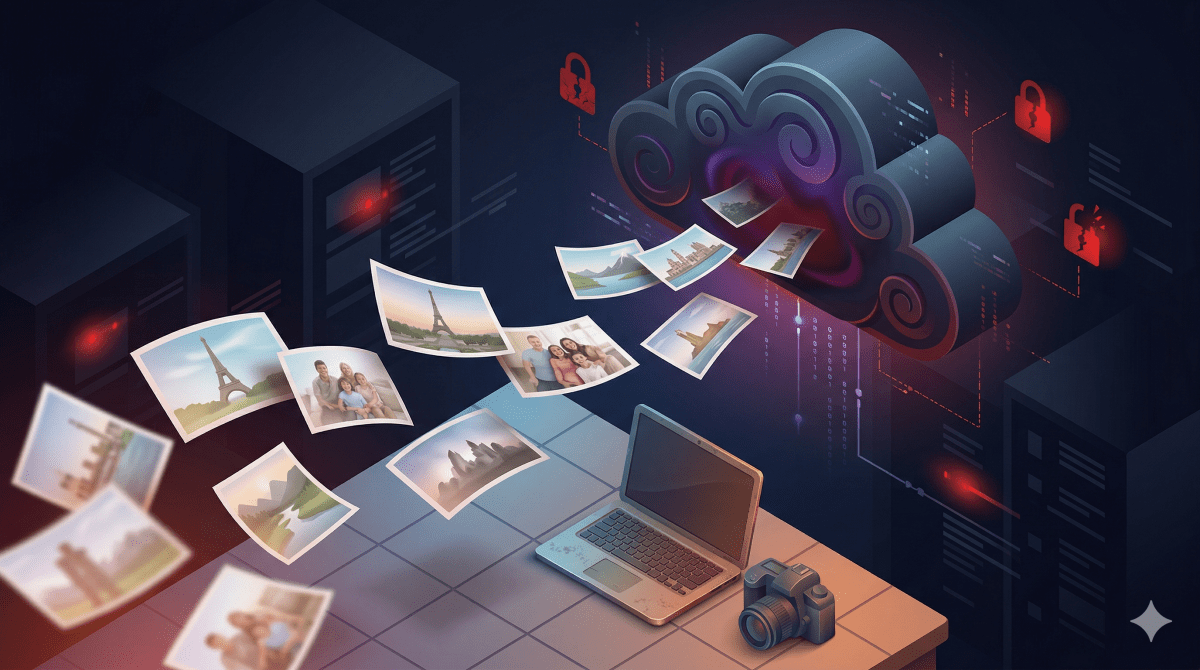
Most free image compression and resizing tools operate on a "Server-Side" model. This means when you select a photo—whether it's a confidential ID card, a private family picture, or proprietary business graphics—it is physically uploaded to their remote servers.
- Data Breach Risks: Servers can be hacked, leaking your private photos.
- Hidden Storage: Many sites secretly store your images to train AI models or sell data.
- Network Delays: Uploading and downloading large files wastes your time and bandwidth.
The Solution: 100% Client-Side Processing
The safest way to process an image is to never upload it at all. Modern web technologies like WebAssembly (WASM) and HTML5 Canvas allow websites to utilize your own device's CPU and RAM to process images.
This is the core philosophy behind ImageSetu. Our tool processes your images entirely "Client-Side". Your photos never leave your device, ensuring Absolute Data Privacy and zero wait times.
How to Resize Images Perfectly (Step-by-Step)
Resizing your images securely is incredibly simple. Follow these steps:
- Open the Secure Tool: Navigate to our Free Image Resizer tool.
- Select Your Image: Drag and drop your image directly into the browser. Remember, it is not uploading anywhere; it is just loading into your local browser memory.
- Lock Aspect Ratio: To ensure your image doesn't get stretched or squished, always keep the "Lock Aspect Ratio" option checked.
- Set Dimensions: Enter your desired width or height in pixels. The tool will automatically calculate the other dimension to maintain quality.
- Export Instantly: Click resize and download your crisp, perfectly sized image instantly. No network latency, no server queues!
Understanding Resolution vs. Quality
A common misconception is that making an image smaller ruins its quality.
- Downscaling: Reducing the pixel dimensions (e.g., from 4000x3000 to 1920x1080) generally retains excellent sharpness if a good algorithm is used.
- Upscaling: Trying to make a small image much larger will result in blurriness (pixelation), as the computer has to guess the missing pixels. Always start with the highest resolution original file possible.
Conclusion
You shouldn't have to trade your privacy for convenience. By utilizing secure, browser-based tools like ImageSetu, you can ensure your personal files remain strictly yours. Start resizing securely today and take control of your digital footprint!